
Quick Guide To Restore Packs
If your packs has become "Not Owned" due to the recent update then here's a quick fix
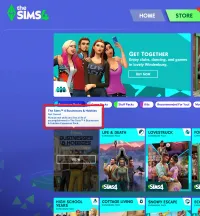
Packs "Not Owned"
If your packs status is "Not Owned" or
changes to "Not Owned" later on
Then repeat "Step 4" and check if
your packs are now marked as "Owned".
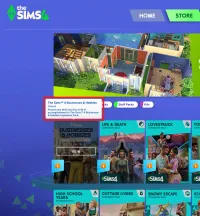
Reminders:
Make sure to quit or close your game
before doing "Step 4" for it to work
Also delete any old patch files that you may
have to avoid overlapping on your new patch
No need to reinstall the packs if they suddenly
became "Not Owned" due to game's recent update
(Unless you recently uninstalled your whole game)
Download: Use the download button to get a new "Patch File"
Procedure:
Then install using the provided "Step 4" video guide
Reminder: If packs are still "Not Owned" just repeat this step